File Context
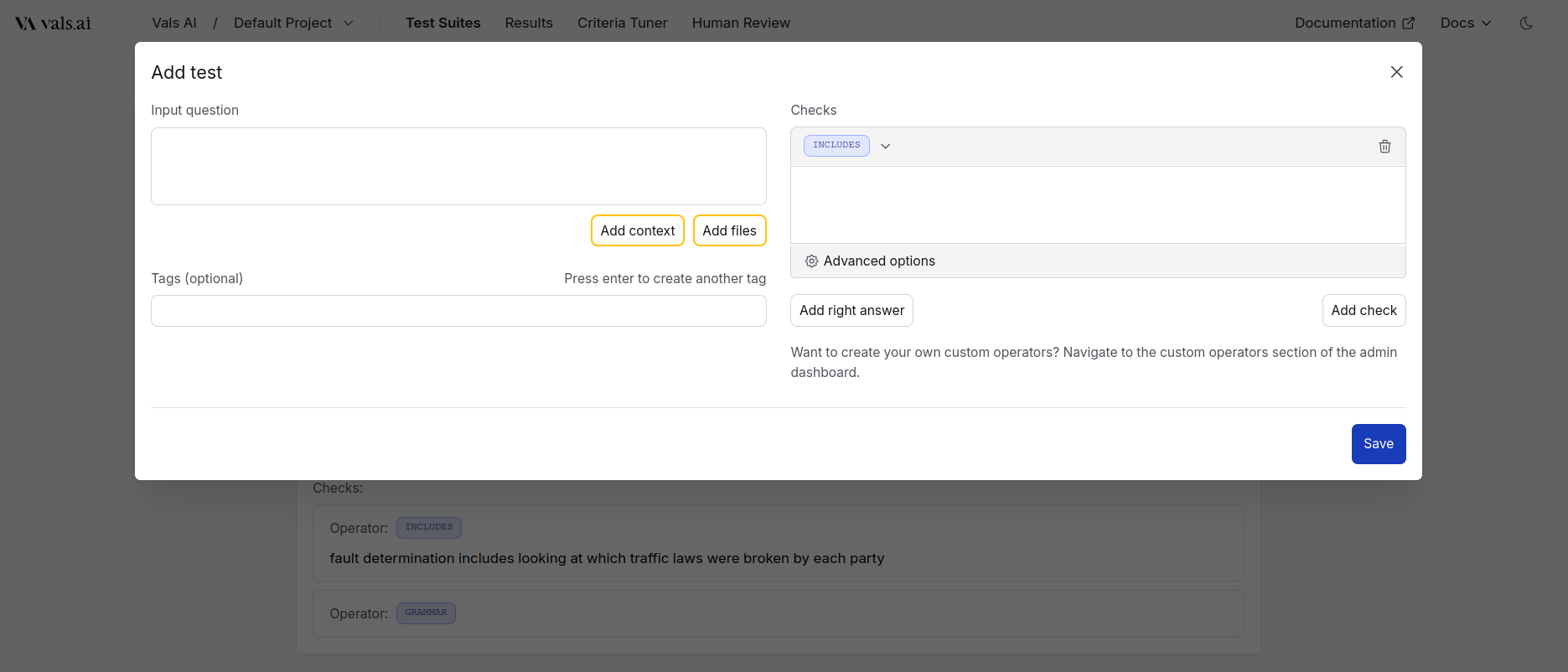
Sometimes, users may want to ask questions about a file or set of files. In addition to just the “Test Input”, we also allow specifying any files that are part of the input to the model. For example, let’s say that the users question is about who has liability in a car accident. In addition to the actual question, the user may want to upload a police report, a photo of the damage, etc. To add files, open theAdd Test pane, and then press Add Files. Multiple files can be added at once.
Text Context
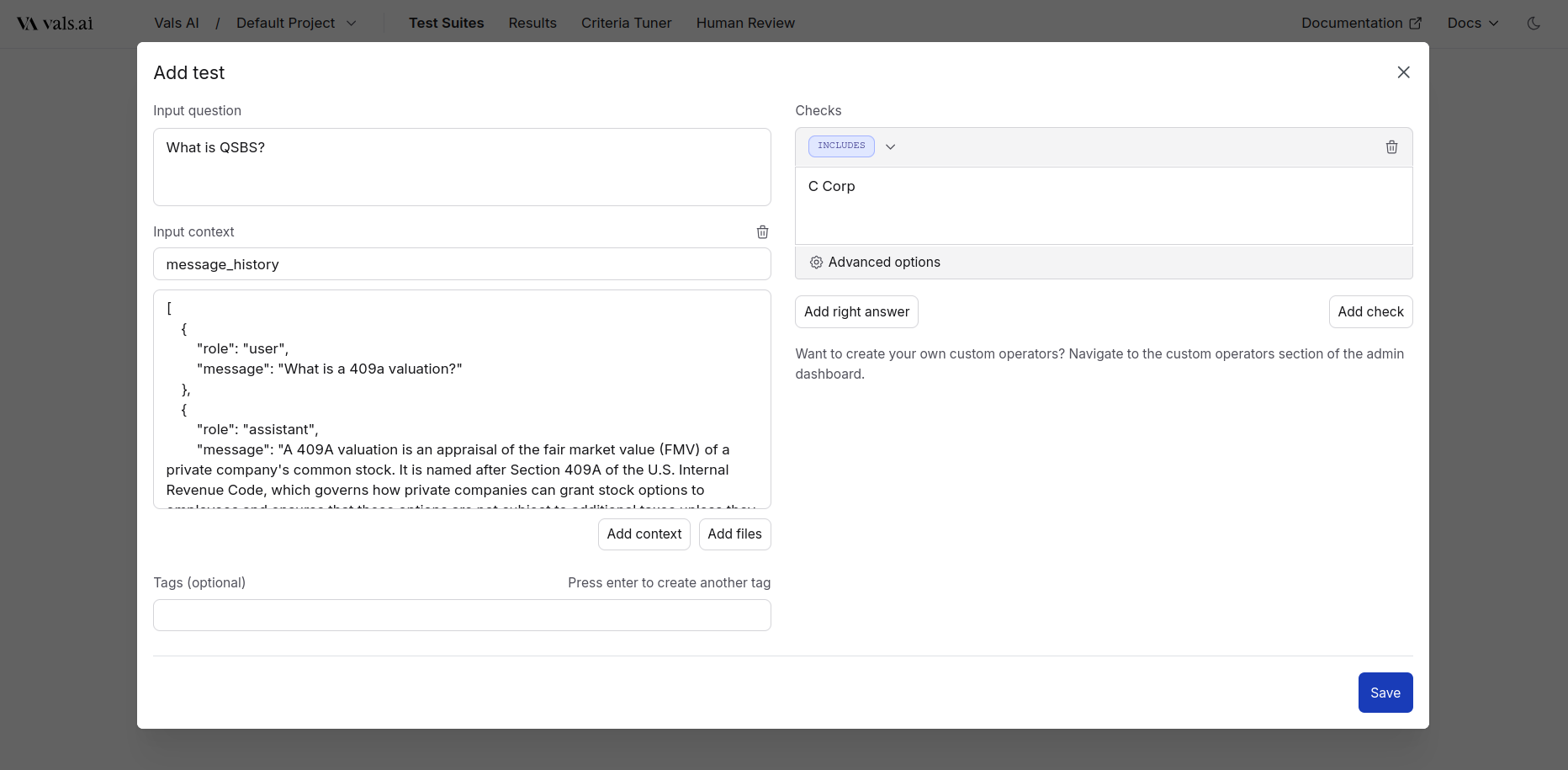
Sometimes, it is useful to provide other additional information beyond just an input under test to a model. For example:- You may want to provide the most recent chat history.
- Metadata about the user
- Information about the context in which a user opened a copilot
Example